
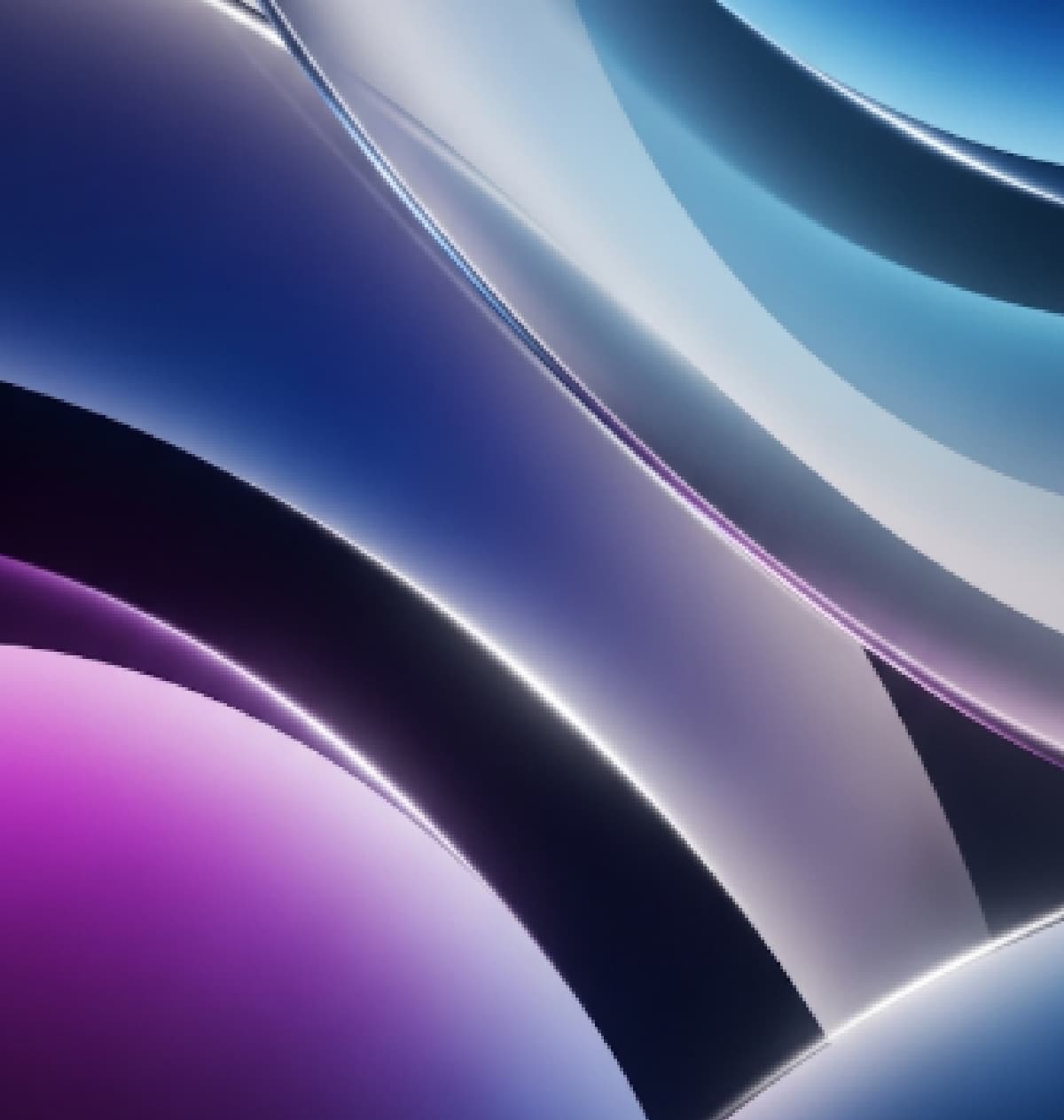
iPhone 16 Pro Max Wallpaper: Adorn Your Device with Official Art
The iPhone 16 Pro Max is more than just a powerful smartphone; it's a statement. With its cutting-edge display, advanced camera system, and sophisticated design, it deserves a backdrop that enhances its premium aesthetic.
And what better way to achieve this than with the official iPhone 16 Pro Max wallpapers? These exclusive designs are crafted by Apple to perfectly complement the device's unique colorways and display capabilities, offering a visual symphony that elevates your daily interactions.
At Dazzle, we understand your desire for personalization and perfection, which is why we’re guiding you through everything you need to know about the iPhone 16 Pro Max wallpaper collection.
Why Official iPhone 16 Pro Max Wallpapers Matter
Every new iPhone generation brings with it a set of bespoke wallpapers designed to highlight the device's distinct features and finishes. The iPhone 16 Pro Max is no exception. These wallpapers aren't just pretty pictures; they are an integral part of the overall user experience, often reflecting the phone's new color options (like the much-talked-about Desert Titanium, Natural Titanium, White Titanium, and Black Titanium). Here's why you should consider adorning your iPhone 16 Pro Max with its official wallpapers: Optimized for the Display: Apple's official wallpapers are precisely crafted to take full advantage of the iPhone 16 Pro Max's Super Retina XDR display. This means optimal resolution, vibrant colors, and perfect contrast, ensuring every pixel looks its best. Harmonious Design: The designs often subtly incorporate elements that resonate with the phone's hardware design and new color schemes, creating a cohesive and aesthetically pleasing look. Reflects the Latest iOS: These wallpapers are typically designed in conjunction with the latest iOS version (e.g., iOS 18), often featuring visual cues or themes that align with new software features or interface elements. Authenticity: Using official wallpapers gives your iPhone that "straight out of the box" premium feel, showcasing it as Apple intended. While your iPhone 16 Pro Max comes pre-loaded with its official wallpapers, you might want to download them in their highest resolution, save them for future use, or even share them with friends who have compatible devices. Several reliable sources offer these wallpapers, often extracted directly from Apple's promotional materials or firmware. Here are the best places to find them: Official Apple Resources: Keep an eye on Apple's official website and press releases around the iPhone 16 Pro Max launch. High-resolution marketing materials often include the wallpapers. Reputable Tech Blogs and Wallpaper Sites: Websites specializing in Apple news and wallpapers (like iDownloadBlog, iClarified, and others) are quick to extract and share these wallpapers in their original quality shortly after the iPhone's announcement. A quick search for "iPhone 16 Pro Max official wallpapers download" on Google will lead you to many such resources. Wallpaper Aggregator Apps: Some third-party wallpaper apps on the App Store curate official wallpapers from various devices. However, always ensure you're downloading from a trusted source to avoid low-quality or unofficial versions. Pro Tip: Look for wallpapers labeled "4K" or "high-resolution" to ensure they look crisp and stunning on your iPhone 16 Pro Max's expansive display. The resolution for iPhone 16 Pro Max wallpapers is typically around 1320 x 2868 pixels. Once you've downloaded your desired iPhone 16 Pro Max wallpaper, applying it is a straightforward process: Save the Image: Make sure the downloaded wallpaper is saved to your iPhone's Photos app. Open Settings: Go to Settings on your iPhone. Navigate to Wallpaper: Tap on Wallpaper. Add New Wallpaper: Tap Add New Wallpaper. Choose Photo: SelectPhotos and then choose the downloaded wallpaper from your camera roll or albums. Adjust and Set: You can pinch to zoom in or out, drag to reposition the image, and apply filters or widgets if desired. Once satisfied, tap Add in the top right corner. Set as Wallpaper Pair: Choose Set as Wallpaper Pairto apply it to both your Lock Screen and Home Screen, or customize each separately. Note: With iOS, you can also set Live Photos as Lock Screen wallpapers, which animate when you long-press the screen. While official wallpapers are usually static images, you might find fan-made "live" versions inspired by them. At Dazzle, we're not just about providing the latest Apple devices like the iPhone 16 Pro Max; we're also about helping you make the most of them. From protective cases and chargers to helpful guides like this one, we strive to be your comprehensive resource for all things iPhone. While we don't host the wallpapers directly on our product pages (as they are typically found on dedicated wallpaper sites), we encourage you to explore the stunning official collection to perfectly personalize your device. Ready to explore the iPhone 16 Pro Max? 1. Are the iPhone 16 Pro Max wallpapers exclusive to the device? Yes, generally, the primary official wallpapers are designed specifically for the latest iPhone model and are pre-loaded only on those devices. However, you can download and use them on older compatible iPhones. 2. Can I use iPhone 16 Pro Max wallpapers on older iPhone models? Absolutely! As long as your older iPhone can display high-resolution images, you can download and set the iPhone 16 Pro Max wallpapers. They will simply scale to fit your screen. 3. Do the official wallpapers come in different colors? Typically, Apple releases a set of wallpapers that complement the available color options of the iPhone 16 Pro Max (e.g., Natural Titanium, Desert Titanium, White Titanium, Black Titanium). So, you might find variations that align with these hues. 4. Will Dazzle provide links to download the wallpapers? While Dazzle focuses on selling official Apple products, we recommend searching reputable tech news sites and wallpaper aggregators shortly after the iPhone 16 Pro Max's official launch for download links. 5. Are these wallpapers free to download? Yes, official iPhone wallpapers released by Apple are generally available for free download from various online sources. 6. Can I create my own wallpapers for the iPhone 16 Pro Max? Of course! Your iPhone 16 Pro Max allows you to use any image from your camera roll as a wallpaper. You can also use various third-party apps to design or customize your own unique backgrounds.
Shop athttps://dazzle.com.bd or visit our showrooms at Bashundhara City, Jamuna Future Park, and Uttara.Where to Download iPhone 16 Pro Max Wallpapers
How to Apply iPhone 16 Pro Max Wallpaper
Elevate Your iPhone 16 Pro Max with Dazzle
Frequently Asked Questions (FAQ)