
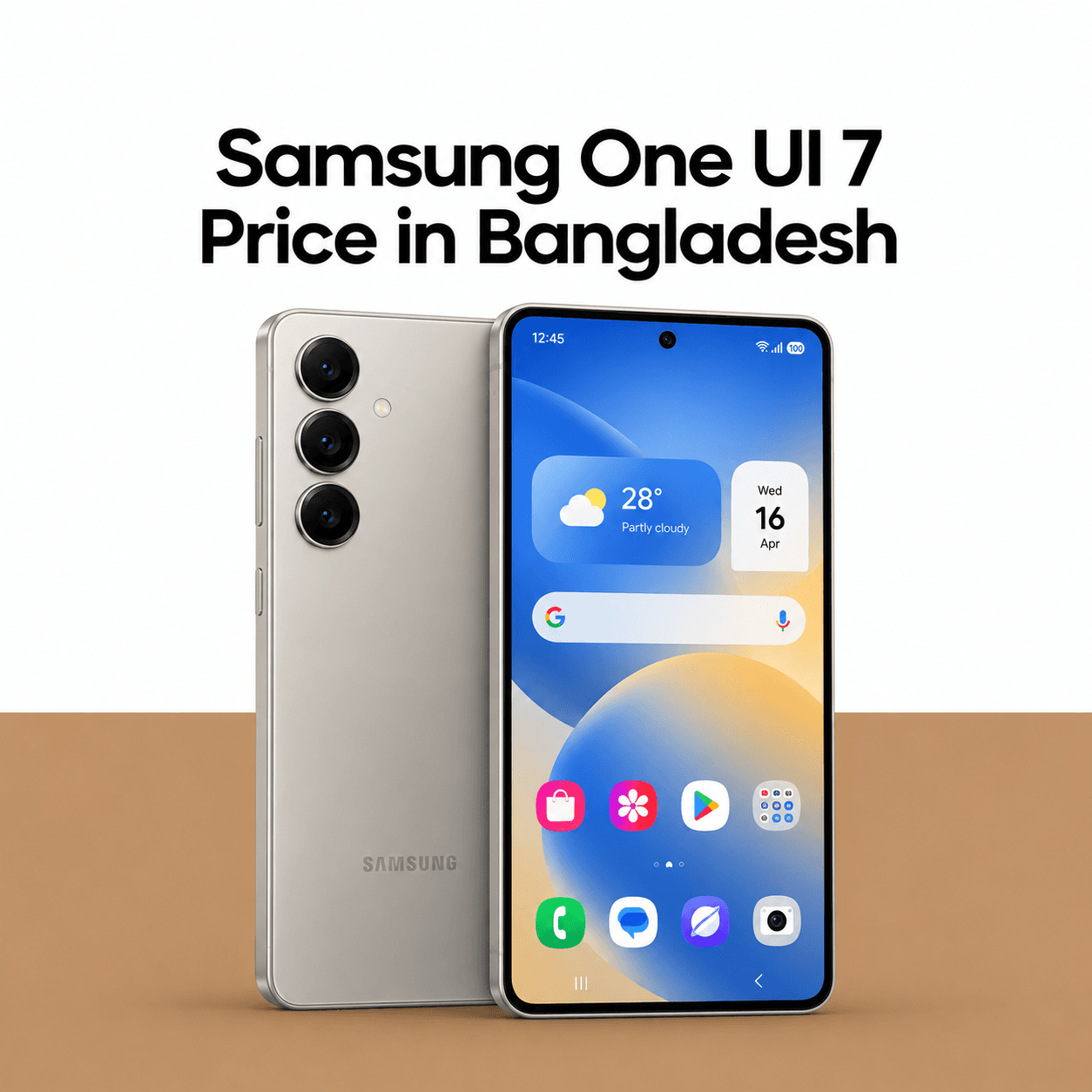
Samsung One UI 7: Features, Design, Galaxy AI and Update Guide
Samsung One UI 7 is Samsung’s Android 15-based interface, created to make Galaxy phones more personal, intelligent and visually consistent. It brings redesigned interface elements, improved notifications, new Galaxy AI experiences, stronger privacy controls and smoother system behaviour on supported devices.This guide explains the most useful One UI 7 changes, how availability works and what Galaxy users should do before installing a major update.
What Is Samsung One UI 7?
One UI 7 is Samsung’s custom software layer built on Android 15. It changes the visual design, quick settings, notifications, lock screen, animations and selected Samsung apps while retaining core Android functions.
Android base: Android 15.
Interface: Redesigned One UI layout and visual system.
AI: Galaxy AI features on eligible hardware.
Availability: Depends on model, country, carrier and rollout stage.
Installation: Delivered through the Software update section.
Feature access: Some tools require a Samsung account, internet connection or supported language.
Major One UI 7 Features
Now Bar and Lock-Screen Information
The Now Bar places supported live activities and contextual information on the lock screen. It can reduce the need to open an app repeatedly for ongoing tasks. Available functions depend on the device and supported applications.
Redesigned Notifications and Quick Settings
One UI 7 updates the notification and quick-settings experience for clearer access to alerts and controls. Layout behaviour can vary by device size and configuration, so users should review the panel after updating and reorganize important toggles.
Updated Icons, Widgets and Animations
Samsung refreshed icons, widgets and transition animations to create a more coherent interface. Smoother animation does not automatically mean every older phone will feel equally fast; hardware, storage health and background apps still affect responsiveness.
Galaxy AI and Intelligent Tools
Eligible Galaxy devices can receive AI-assisted features for writing, summarising, communication, search, images and productivity. Galaxy AI availability is not identical on every model because some functions depend on processor capability, region, language and service support.
Camera and Gallery Improvements
One UI 7 reorganizes selected camera controls and improves access to frequently used shooting functions. Gallery and editing features may also provide smarter search or AI-assisted tools on supported devices.
Privacy and Security Enhancements
Android 15 and Samsung Knox provide the foundation for updated privacy and security behaviour. Users should review app permissions, notification access, Auto Blocker settings and account security after installation.
One UI 7 Supported Devices
Samsung releases major updates in phases rather than for every Galaxy device on the same day.
Recent Galaxy S and Galaxy Z flagship devices are generally prioritized.
Selected Galaxy A, M and F series devices may receive the update later.
Tablets can follow a separate schedule.
Carrier-locked and regional models may have different timelines.
Older devices that have completed their promised update period may not qualify.
Your Samsung Phone Before Updating
Back Up Important Data
Use Samsung Cloud, Google backup, Smart Switch or another trusted method. A normal update should preserve data, but a backup protects against unexpected interruption or storage failure.
Free Up Internal Storage
Major updates need temporary working space. Remove unnecessary downloads, duplicate media and unused applications. Keeping free space also helps system performance after installation.
Update Important Apps
Open the Galaxy Store and Google Play Store to update applications. Older app versions may not be optimized for the new software.
Check Battery and Network
Charge the phone sufficiently and use a stable Wi-Fi connection. Avoid starting the update when the phone is overheating, running low on battery or urgently needed.
Common Issues After a Major Update
Temporary Battery Drain
Battery use can increase while the system re-indexes files and apps optimize in the background. Observe the phone for several days before judging long-term endurance.
Heating or Slower Performance
Initial background activity can create heat or lag. Restart the phone, update applications and check storage. Persistent problems may require Samsung support rather than random reset tools.
App Compatibility Problems
An app may crash if it has not been updated for the new Android version. Update the app, clear its cache or contact the developer. Do not install unknown APK files as a quick fix.
Changed Settings
Notification categories, battery restrictions, permissions or keyboard settings may behave differently. Review important work, banking, authentication and messaging apps after the update.
Should You Install One UI 7 Immediately?
Install it when the update is officially offered for your exact model and region, your essential apps are compatible and you have completed a backup. Users who depend on one phone for critical work may wait briefly for early maintenance patches, but should not postpone security updates indefinitely.
Why Buy from Dazzle?
Guaranteed Lowest Price: We promise you the best value. With our Guaranteed Lowest Price, you can buy the Xiaomi 18 Pro Max at the most competitive rate in the market. Found it cheaper elsewhere? We’ll match the price so you never overpay.
Dazzle Care+ (1-Year Replacement Guarantee): Go beyond repair. With Dazzle Care+, you get a full 1-year replacement guarantee. If your device faces a major hardware issue, we’ll replace it with a brand-new device instead of repairing it.
Flexible EMI & Exchange Options: We believe everyone should have access to the latest technology. Our convenient EMI plans and hassle-free exchange options make upgrading to the Xiaomi 18 Pro Max simple. Learn more on our EMI Policy page.
Dazzle’s Own Warranty: Your investment is always safe with us. Every smartphone and gadget purchased from Dazzle comes with our exclusive Parts Warranty (conditions applied), giving you official support and long-term protection.
Free and Fast Delivery: Get your device delivered without delays. We offer free and fast delivery across Bangladesh, so your brand-new smartphone reaches your doorstep quickly and safely at no additional cost.
100% Authentic Products: Buy with confidence. We guarantee that every Xiaomi 18 Pro Max sold at Dazzle is 100% authentic, brand new, and sealed in its original manufacturer packaging.
Multiple Store Locations: Want to see before you buy? Visit our showrooms in Dhaka and Chittagong for hands-on experience and direct support. Find all store details on our Shop Locations page.
Frequently Asked Questions
Is One UI 7 based on Android 15?
Yes. One UI 7 is Samsung’s interface based on Android 15.
Will every Samsung phone receive One UI 7?
No. Eligibility depends on the model’s software-support policy, region, carrier and rollout schedule.
Are all Galaxy AI features available on every supported phone?
No. AI features can vary according to hardware, language, account requirements, region and service availability.
Does One UI 7 delete personal data?
A normal official update is designed to preserve data, but users should back up important files before installation.
Why has my eligible phone not received the update?
Rollouts happen in phases. Regional testing, carrier approval and model-specific schedules can delay availability.